USER GUIDES
EvoCloud 2.0 User Guides
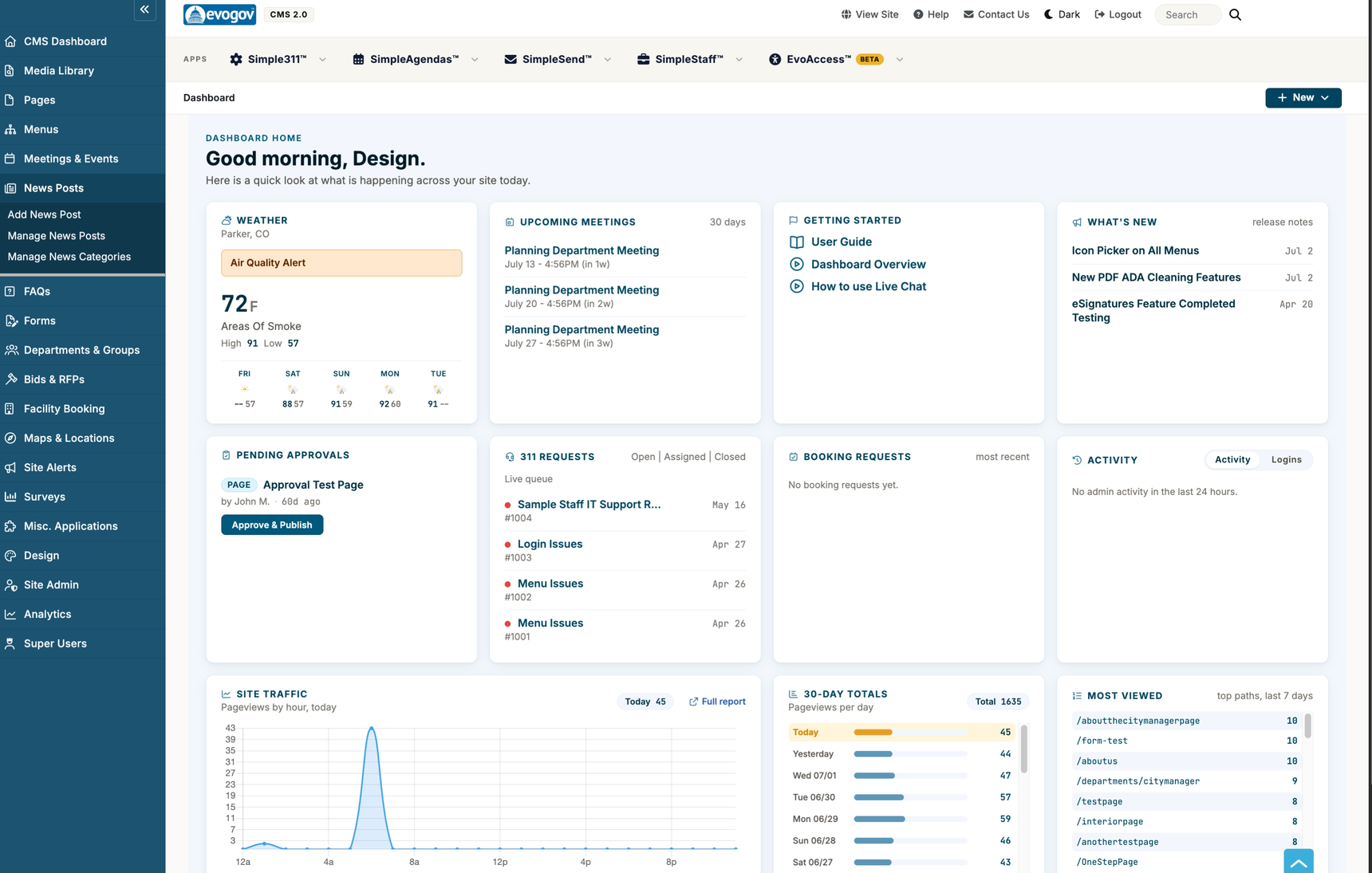
Friendly, step-by-step help for everything in your EvoCloud 2.0 dashboard. Each guide assumes you are starting fresh, walks you through any setup you need first, then shows the everyday tasks.
Getting started
Short, start-to-finish walk-throughs for a first day on the dashboard.
| Add a Page and Put It in the Menu | Create a page, write a little content, publish it, and link it into your main navigation. |
| Post a News Item | Announce something and get it onto your news page and homepage, photo included. |
| Upload a Document and Link to It | Put a PDF in the Media Library and link to it from a page or the menu; replace it later without breaking links. |
| Build a Form and Put It on Your Site | Turn a paper form into an online one, route submissions to an inbox, and add it to the menu. |
| Add a Meeting or Event to the Calendar | Post a meeting or event with its agenda attached so residents can find it. |
Your apps
These are the big tools in the top row of your dashboard.
| Simple311 | Track resident requests — potholes, missed pickups, code complaints — from submission to close. |
| SimpleAgendas | Run public meetings: agendas, staff submissions, approvals, packets, and minutes. |
| SimpleSend | Reach residents by email newsletter and text message (SMS). |
| Newsletter Builder | Build a newsletter one headline at a time, with photos, buttons, and a phone-friendly layout. (Supplement to SimpleSend.) |
| SimpleStaff | Post jobs, collect applications, and manage your hiring process. |
| EvoAccess | Scan your site and PDFs for accessibility (ADA / WCAG) issues. Beta. |
Website content
The building blocks of your public website, found in the left-hand menu.
| Pages | Create and manage the pages of your website. |
| Page Editor | What every button in the content editor does. (Supplement to Pages.) |
| Inserting Components | Drop pre-designed building blocks — photo button rows, quick-link medallions — into your page content. |
| Menus | Build and organize your site's navigation. |
| Media Library | Upload and manage images, PDFs, and other files. |
| Slideshows V2 | The new slideshow builder: drag photos in, drag to reposition, and images are sized and compressed automatically. Use this for new slideshows. |
| Slideshows (Classic) | The original rotating image banners. Existing slideshows keep working here. |
| Photo Galleries | Grid or carousel photo collections for a page. |
| News Posts | Publish news and announcements. |
| Meetings & Events | Manage your public calendar and event registration. |
| FAQs | Answer common questions in an organized, searchable list. |
| Forms | Collect information from residents with online forms. |
| Surveys | Ask residents questions and view the results. |
| Stats Widgets | Show community statistics in an animated count-up row on a page. |
| Widget Builder | Build menus, news displays, hero videos, galleries and more, then paste one snippet. (For design staff.) |
| Design Admin | Edit the HTML templates, stylesheets, and scripts that wrap every page — header, footer, navigation, layouts. (For design staff.) |
| Site Alerts | Post banners and pop-up notices on your website. |
| Maps & Locations | Show facilities and points of interest on interactive maps. |
| Site Search | The search box on your website: suggestions as residents type, popup results, Popular Searches chips, and search analytics. |
Services & departments
| Departments & Groups | Set up your departments, boards, and committees. |
| Facility Booking | Let residents reserve rooms, pavilions, and other facilities. |
| Bids & RFPs | Post bids and RFPs and collect vendor submissions. |
Administration & reports
| Administration | Add staff and public users, set roles and permissions, and manage account settings. |
| Analytics | Read your traffic reports, see recent visitors day by day (with AI and bot traffic labeled), name the visitors you recognize, and track your ads with campaign links — no Google Analytics needed. |
Need a hand? Contact EvoGov support or visit
help.evogov.com.